Pocket WiFi vs eSIM: Korea WiFi Egg Rental Guide for Tourists
Published on July 3, 2026
If you are choosing between a pocket WiFi and an eSIM for Korea, the short answer is this: a WiFi egg is usually the better fallback when your phone cannot use eSIM, when you need to connect more than one device, or when you want to keep your home SIM untouched for calls and verification texts. If you only need one phone online, a travel eSIM is often simpler. This guide explains what a WiFi egg actually is, when it wins, where the rental friction usually shows up, and how to decide without overpaying for data you do not need.
What A WiFi Egg Actually Is
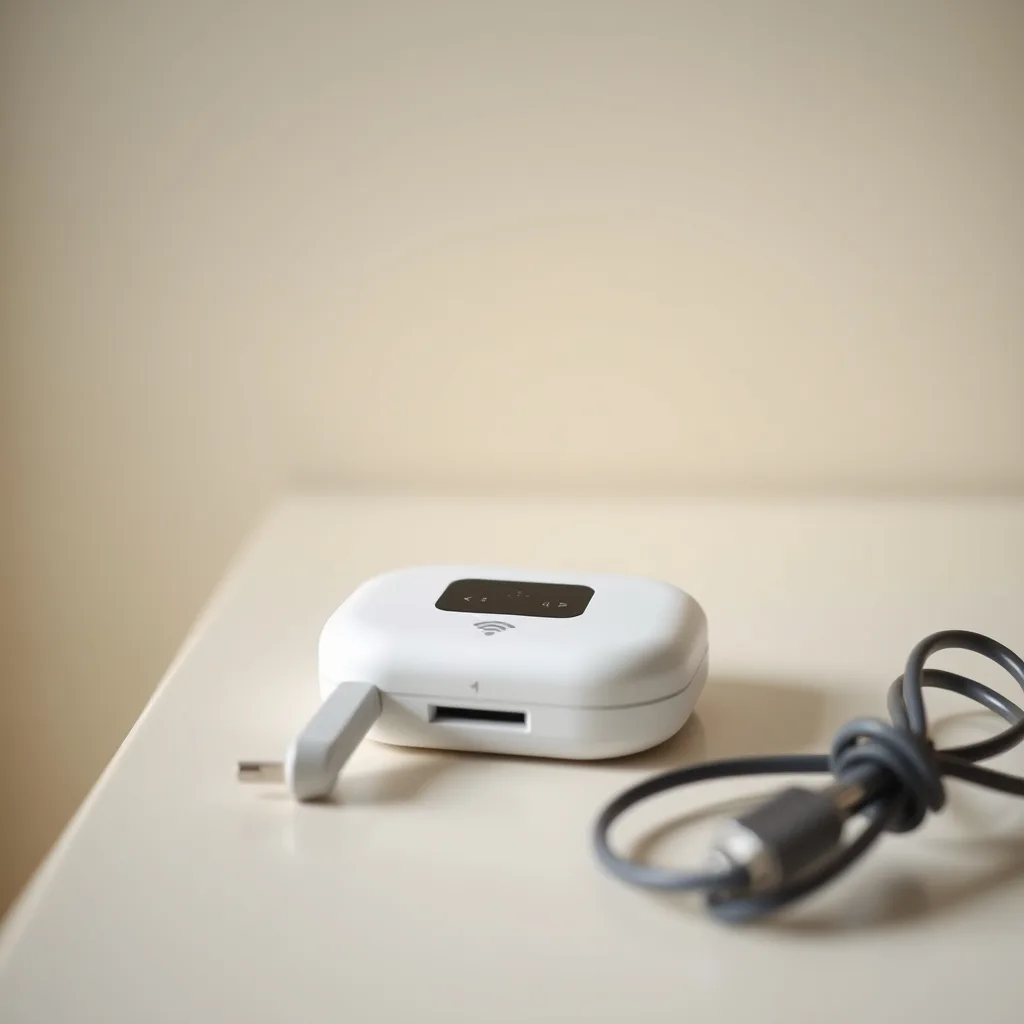
A WiFi egg is Korea's everyday nickname for a portable pocket router. You rent a small battery-powered device, turn it on, and it creates a private Wi-Fi network that your phone, laptop, tablet, or camera can join. In practice, it works like a tiny moving hotspot.
The reason travelers still rent them is simple. A WiFi egg does not care whether your phone supports eSIM. It also does not replace your SIM card, so your home number can stay active for messages, calls, and bank verification while the router handles data. For some trips, that split is the least annoying setup available.
When A WiFi Egg Beats eSIM
The WiFi egg wins in a few very specific situations:
- Your phone is locked, old, or does not support eSIM.
- You are traveling with a partner, family, or work group and want one data pool for multiple devices.
- You want to keep your primary SIM in the phone because you still need SMS verification or incoming calls.
- You are using a laptop or tablet that cannot take an eSIM.
- You want a setup that is easier to hand to a non-technical travel companion.
If none of those apply, the eSIM side is often easier. You scan once, install once, and forget about it. That is why we keep the eSIM guide close by in the sister post on how to get a Korean eSIM with phone number.
Where Travelers Usually Get One
Most travelers rent WiFi eggs through airport pickup desks, booking platforms, or local delivery-style rental services. The exact counter, pickup window, and return rule depend on the provider, but the basic pattern is the same: reserve ahead, bring your booking confirmation and passport — many desks also ask for a credit card in your name as a deposit — collect the device, and return it before you leave.
That advance reservation matters more than people expect. A same-day counter pickup is convenient, but it can be slower when arrival banks are busy, and it adds one more line to the first hour of your trip. Booking ahead usually gives you the cleaner path: pick up, power on, and leave the airport.
What To Check Before You Rent
Do not treat every rental as identical. Read the small print for these items before you pay:
- Data policy: unlimited, fair-use, or capped.
- Pickup and return method: airport desk, hotel drop-off, city store, or courier-style handoff.
- Battery expectation: some devices are fine all day, others need a power bank.
- Extra fees: late return, damage, charger loss, or insurance add-ons.
- Device count: how many devices can connect at the same time — some carrier eggs cap at around 3 simultaneous devices — and whether the plan suits one heavy user or a whole group.
The most common mistake is assuming "unlimited" means "exactly the same experience no matter how much you use." In travel products, unlimited often means there is still a fair-use policy in the background. If you stream video all day, tether multiple laptops, or upload a lot of media, check whether the plan slows down after a certain threshold.
WiFi Egg vs eSIM: The Practical Comparison
For one traveler with a recent unlocked phone, eSIM usually wins on simplicity. There is no separate device to carry, no charger to keep alive, and no return step at the end of the trip.
For a group, WiFi egg can be the cheaper and more flexible choice. One device can cover several phones, and the person who owns the hotspot can manage the connection for everyone. That is useful for parents, friends, and work trips where one person is handling maps and reservations for the whole group.
There is also a comfort argument that gets overlooked. Some travelers do not want to swap SIMs, move plans around, or troubleshoot activation at the airport. A WiFi egg reduces the phone-side setup to "join this network." That is boring, but boring is often the right outcome on arrival day.
The Real Tradeoff
The main downside of a WiFi egg is that it is another object to manage. You need to carry it, charge it, and remember to return it. If you forget the charger or leave the device in your hotel bag, the rental can become a nuisance fast.
That is why the decision usually comes down to this:
- Choose eSIM if you want the lightest setup and you are only connecting one phone.
- Choose WiFi egg if you need to share data, your phone is not eSIM-friendly, or you want to keep your home line untouched.
If you want a simple rule: single traveler, eSIM; multiple devices, WiFi egg. That is not universal, but it is close enough for most short trips.
Practical Setup Tips
Before you leave home, check three things:
1. Your phone is unlocked.
2. Your group knows who is carrying the device.
3. Your return plan is written down before the first day gets busy.
If you rent the egg, put the charger in the same pouch as the device. That sounds obvious until the return day arrives and the cables are scattered across a hotel room. Keep the booking confirmation on your phone too, because rental desks and return counters are faster when they can match the device to the reservation immediately.
Frequently Asked Questions
Q: Is a WiFi egg the same as a pocket WiFi?
Answer: Yes. In travel conversation, "WiFi egg" and "pocket WiFi" usually mean the same thing: a portable hotspot you rent and carry around.
Q: Is WiFi egg better than eSIM for Korea?
Answer: Only in some cases. If you have one unlocked phone, eSIM is usually simpler. If you need to share data across multiple devices, or your phone cannot use eSIM, WiFi egg is often the better pick.
Q: Can I use my home SIM and a WiFi egg at the same time?
Answer: Usually yes. Your home SIM stays in the phone, and the WiFi egg handles the data connection. That is one of the main reasons travelers rent it.
Q: Do I need to bring a charger?
Answer: Usually the rental includes one, but you should treat the charger as part of the rental kit and keep it together with the device. If the battery runs low during the day, a power bank helps.
Q: Is WiFi egg good for a family trip?
Answer: Yes, often better than a single eSIM. One hotspot can cover multiple phones and tablets, which makes it easier to keep everyone connected without buying several separate data plans.
Q: Should I rent ahead or wait until I arrive?
Answer: Reserve ahead if you can. It keeps the airport pickup faster and lowers the chance that your first hour in Korea turns into a queue.
Bottom line: WiFi egg is the practical choice when you need shared data, no-eSIM compatibility, or a setup that leaves your own SIM untouched. If you only need one phone online, the eSIM route is usually lighter and easier.