How to Read the Seoul Subway Map and Navigate Like a Local
Published on July 14, 2026
The short version for riding the Seoul subway like a local is this: put a navigation app on your phone before you go, buy a rechargeable T-money card at any convenience store, and always tap your card both when you enter and when you exit. Seoul's metro is clean, punctual, color-coded, and signed in English, so once you know how to read the map and which app to trust, it becomes the fastest and cheapest way across the city. This guide walks through the apps that actually work for foreigners, how to read the lines and exit numbers, how fares and transfers work, and a new 2026 tapping rule that can quietly cost you money if you miss it.
Which Navigation App To Use
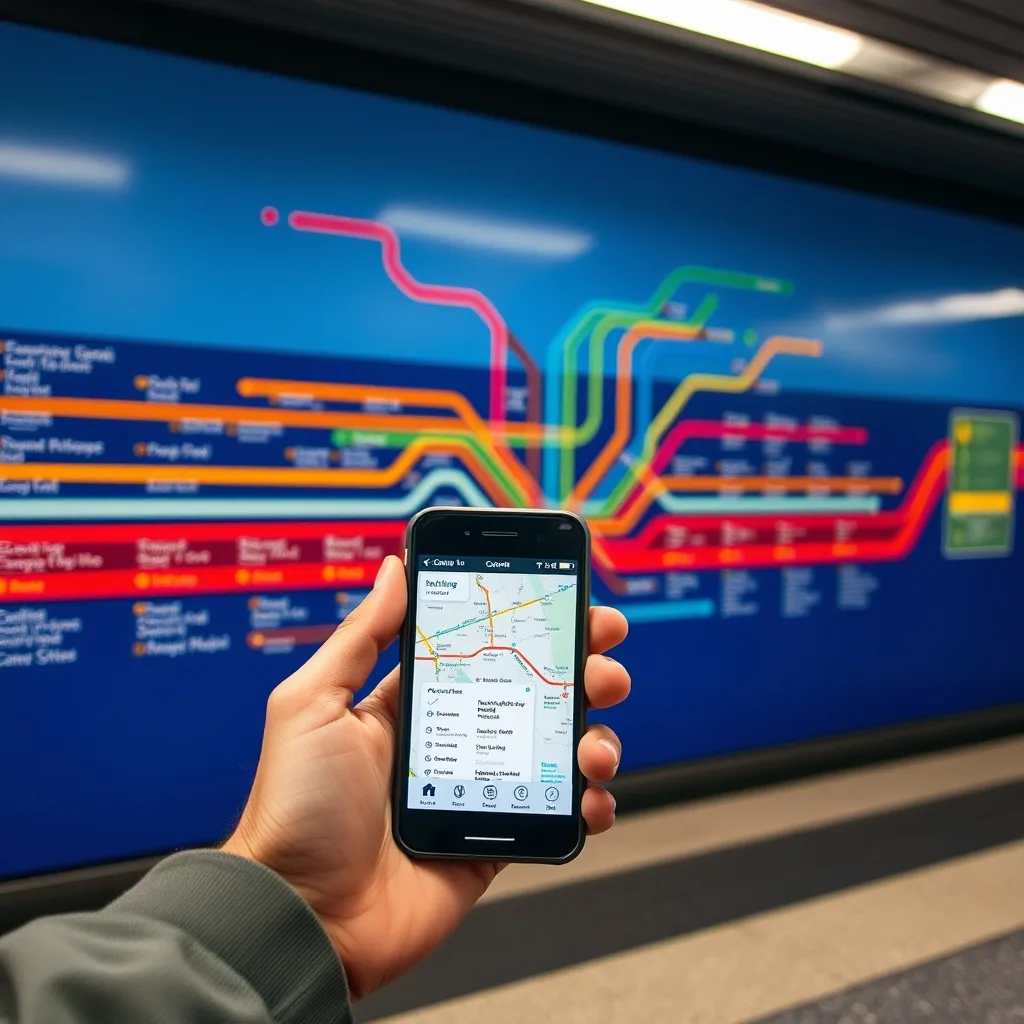
The most important decision is your app, because Google Maps behaves differently in Korea than it does back home. Google Maps will give you subway and public-transport directions in Seoul, but its walking and driving guidance is limited here, so locals lean on two homegrown apps instead: Naver Map and KakaoMap. Both offer a full English interface — switch it under the menu's language settings — so you are not stuck reading Korean.
For a first-time visitor, Naver Map is usually the friendlier starting point. Its English labeling is more complete, it shows subway exit numbers and major landmarks in English, and it even tells you which car and door to stand at — a label like "5-3" means car 5, door 3 — so you step off right next to the stairs or transfer you need. If you plan to ride the subway constantly, there is also a dedicated app called KakaoMetro that focuses only on the metro and tells you the best carriage to board to land nearest your exit.
Whichever you pick, download it and set the language before you land, because you will want it working the moment you step off the plane. You will also need mobile data to run it — sort out a SIM or eSIM first, and our guide to the Best Taxi App for Foreigners covers a good backup for the trips where the subway does not reach.
Reading The Map: Lines, Colors, And Exit Numbers
Seoul's subway map looks busy, but it follows a simple logic. Each line has both a number and a signature color, so Line 1 is a dark blue thread running north to south through Seoul Station, Line 2 is the green loop around the city center, and so on. On the map and on station signage, you match the color and number of your line rather than trying to read every station name.
Stations themselves also carry numbers, which makes them easy to track even if the Korean name is a mouthful. The single detail that trips up newcomers most is the exit number. Big interchange stations can have a dozen or more exits spread across an underground maze, and choosing the wrong one can leave you across a massive intersection or a ten-minute walk from where you meant to be. Your app will tell you the exact exit to aim for — treat that number as part of the directions, not an afterthought.
Paying: The T-money Card
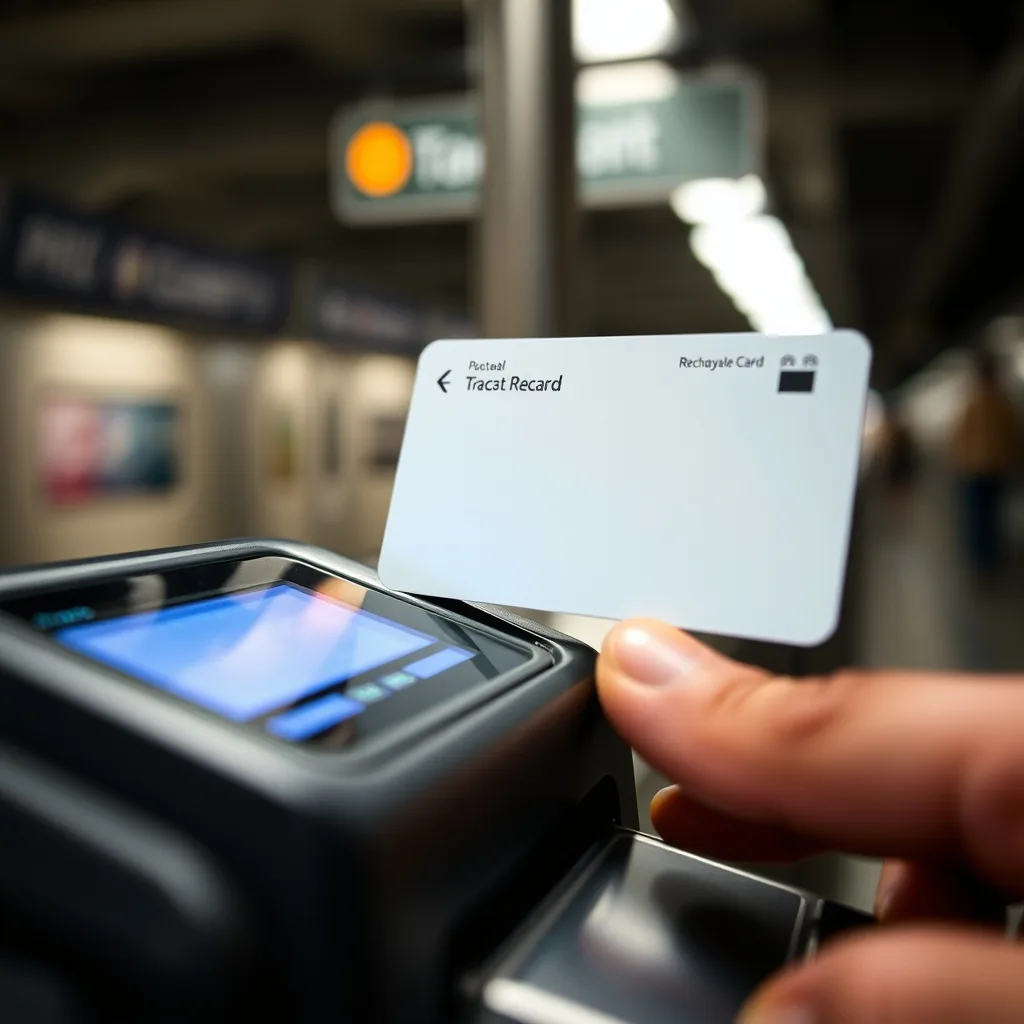
The smoothest way to pay is a T-money card, a rechargeable transit card you tap at the gate. You can buy one at almost any convenience store — look for it near the register — and top it up with cash at the store or at machines inside stations. A T-money card works on the subway, city buses, and even many taxis, so it is the single most useful thing to carry for getting around.
Fares run on a distance-based system: you pay a base fare that covers the first stretch of your trip, then a small amount more the farther you travel. Because the exact figures are adjusted from time to time, the honest advice is to let the gate and your app show you the current fare rather than trusting a number you read online. Paying with T-money is cheaper than buying a single-journey paper ticket each time, and it unlocks the transfer discount below. If a rechargeable card sounds useful, our full guide to the Best Travel Cards for Tourists compares the options.
The Transfer Discount — And Why You Must Always Tap Out
Here is where a lot of visitors lose money without realizing it. Seoul rewards transfers: if you tap off one ride and tap onto another — subway to bus, or bus to subway — within a set window, the system treats the whole chain as a single trip and charges you only for the total distance instead of a fresh base fare each time. That discount can apply across several transfers in a row.
The catch is that the discount only works if you tap your card on the way out as well as on the way in. If you forget to tap out, the system cannot count the transfer, so you lose that discount. And under a rule that took effect on March 7, 2026, a missed subway exit tap now follows you: the system records it and automatically adds the base fare the next time you tap in to board. The habit to build is simple — tap in, tap out, every single time, even when the gate is open and no one seems to be checking.
Getting Into The City From The Airport
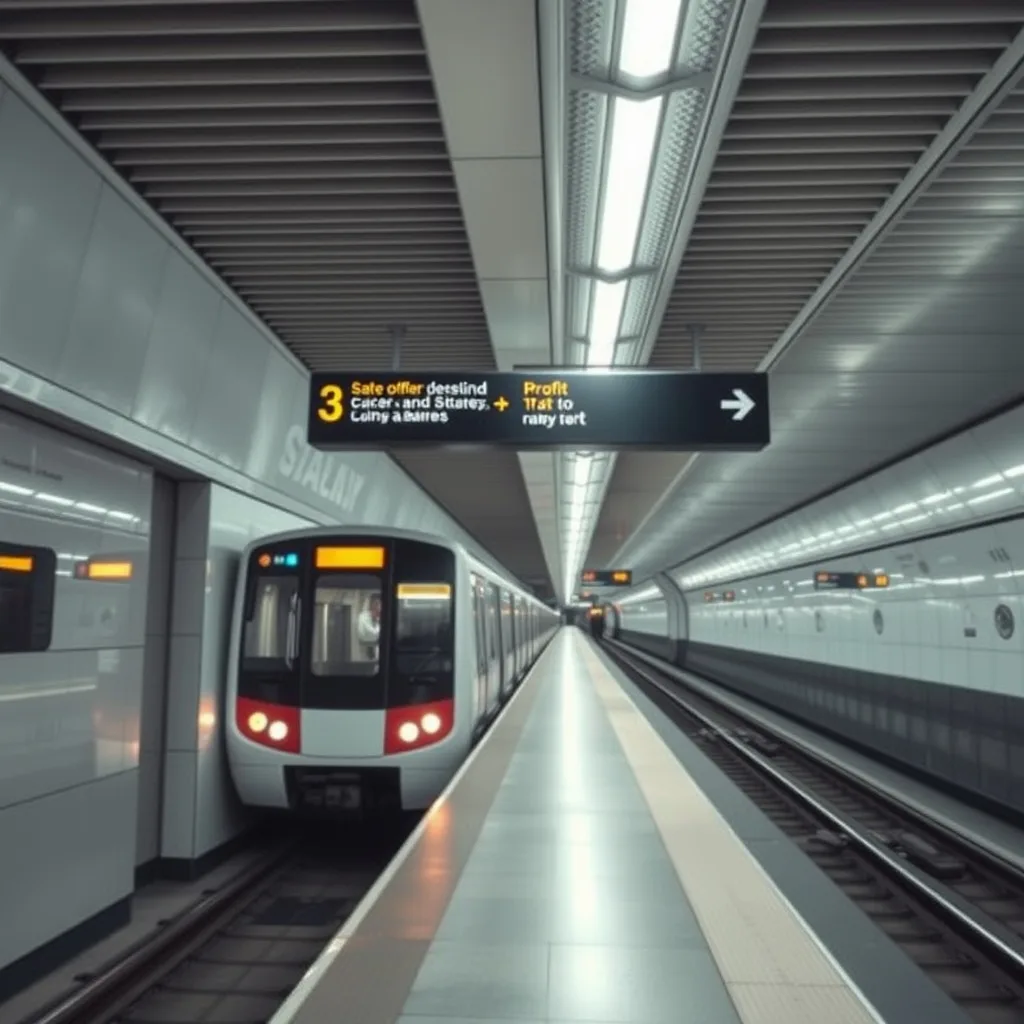
If you are arriving at Incheon Airport, the same transit logic extends to the AREX airport railway, which links the airport directly to Seoul Station. There are two services on that line: a faster Express train with reserved seating and luggage space, and an All-stop train that costs less and runs later into the night but makes more stops. First and last train times shift with the schedule, so check the current timetable, but the practical point is that the train is a reliable, traffic-proof way into the city — and once you reach Seoul Station you are already plugged into the subway network. For longer trips out to other cities, our guide to KTX Train Booking for Foreigners picks up where the metro ends.
Common Mistakes To Avoid
- Trusting Google Maps for everything. It handles transit routing, but for walking directions install Naver Map or KakaoMap.
- Ignoring the exit number. The right platform but the wrong exit can add a long detour above ground.
- Forgetting to tap out. It voids your transfer discount and, since March 2026, adds a base fare to your next ride.
- Riding without mobile data. The apps need a connection, so arrange a SIM or eSIM before you rely on them.
- Standing at a random door for a transfer. Let the app tell you which car lines up with your exit or connection and save yourself a walk.
Frequently Asked Questions
Q: What is the best app to navigate the Seoul subway as a foreigner?
Answer: Naver Map is the most beginner-friendly, with complete English labels, exit numbers, and even which car and door to use. KakaoMap is a strong alternative, and KakaoMetro is a subway-only option. Google Maps works for transit routing but is weak for walking directions in Korea.
Q: Do I need a T-money card, or can I buy single tickets?
Answer: You can buy single-journey tickets, but a T-money card is cheaper per ride, works on subways, buses, and many taxis, and is required to get the transfer discount. It is the more convenient and economical choice.
Q: How does the subway transfer discount work?
Answer: If you tap off one ride and tap onto another within the allowed window, the system counts the chain as one trip and charges by total distance instead of a new base fare each time. It only works if you tap both in and out.
Q: What happens if I forget to tap out?
Answer: You lose the transfer discount for that trip. And under a rule in effect since March 7, 2026, a missed subway exit tap is recorded and the ticket-type base fare is automatically added the next time you tap in to board.
Q: How do I read which subway line to take?
Answer: Match the line by its number and signature color on the map and station signs, follow your app's exit number, and use the station numbers to track your progress even when the Korean names are hard to read.
Q: How do I get from Incheon Airport into Seoul by train?
Answer: Take the AREX airport railway to Seoul Station. There is a faster Express train with reserved seats and a cheaper All-stop train; check the current timetable for first and last departures, then connect straight into the subway from Seoul Station.
Bottom line: install Naver Map or KakaoMap in English, carry a T-money card, read the line colors and exit numbers off your app, and tap in and out every time — especially now that a missed tap-out can add a base fare to your next ride.